
Grow with less guesswork
Your whole grow, without the spreadsheet headache. Keep your journal, watering, feeding, photos, tasks, and course progress in one place. Less admin. More time figuring out what your plants are actually telling you.
Built for grow #1. Still useful on grow #10.


Early Access v0.9.2 · 100.8 MB · Installation Guide
Quick heads-up: HarvestED is in Early Access. A few things are still being polished, so you may run into the occasional bug. If you do, tell us — your feedback helps us make the app better for every grower.
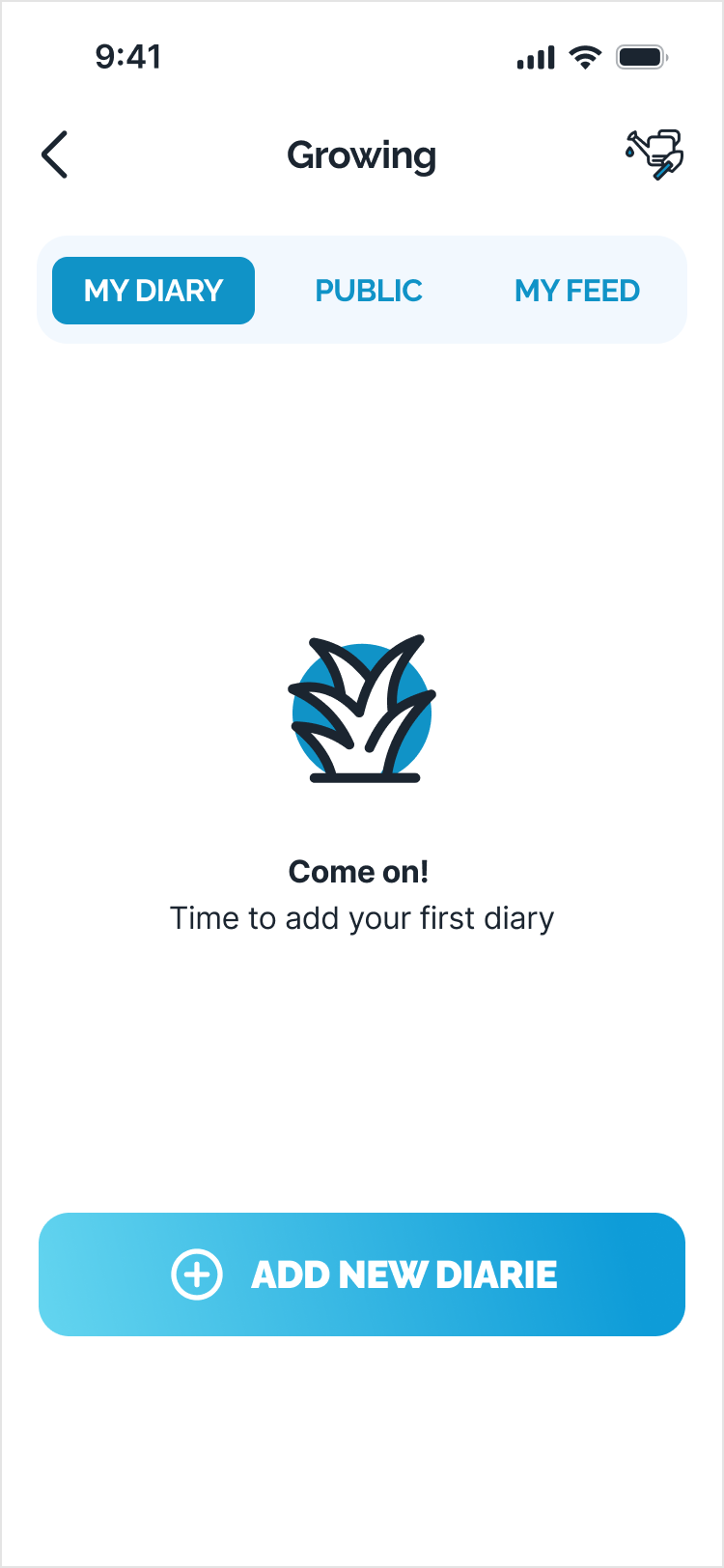
Growers who kept records harvested 19% more.*
You don’t need a lab coat — or a 40-column spreadsheet. HarvestED gets the useful stuff into one place:
- Set up a grow in a few minutes. Add your plants, pot size, growing medium, lights, and start date.
- Keep notes, photos, watering, feeding, and tasks connected to the same grow.
- Spot patterns sooner. See what changed and how your plants reacted.
- Come back next grow, repeat what worked, and skip what didn’t.
BTW, track what matters to you. Add more detail when you’re ready.
Start My Grow Diary20 reasons to start a grow journal →
A 2026 study of 150 smallholder vegetable farmers found record-keepers averaged 2.34 t/ha versus 1.96 t/ha for non-record-keepers — about 19% higher. The study examined financial farm records, not cannabis grow journals. This is context, not a promise of yield. Source: Frontiers record-keeping study (2026)
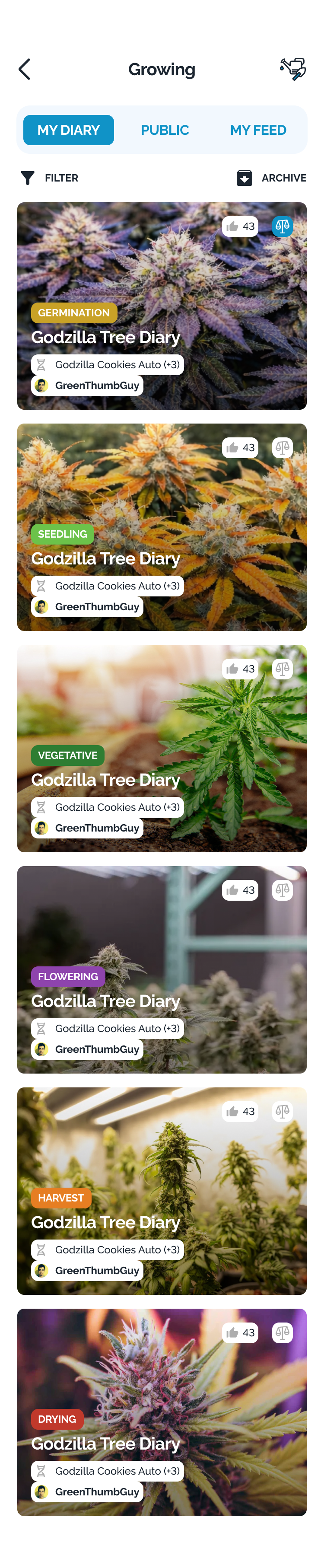
Start with the basics. Add more details when you need them.

Every note, photo, and action stays connected to the right grow.
Install HarvestED. Get the $69.99 course for $0.
First grow? You’ve probably got 47 tabs open and three different answers to every question. We made a simpler starting point.
Install HarvestED and you’ll get free access to the complete Basic Cannabis Cultivation course — a $69.99 value. It walks you through:
- each stage of a cannabis grow
- the decisions you’ll need to make
- the terms every beginner should know
- the mistakes first-time growers make most often
Clear steps. Normal language. No forum rabbit holes.
Unlock My Free CourseStop where you need to and continue when you’re ready.
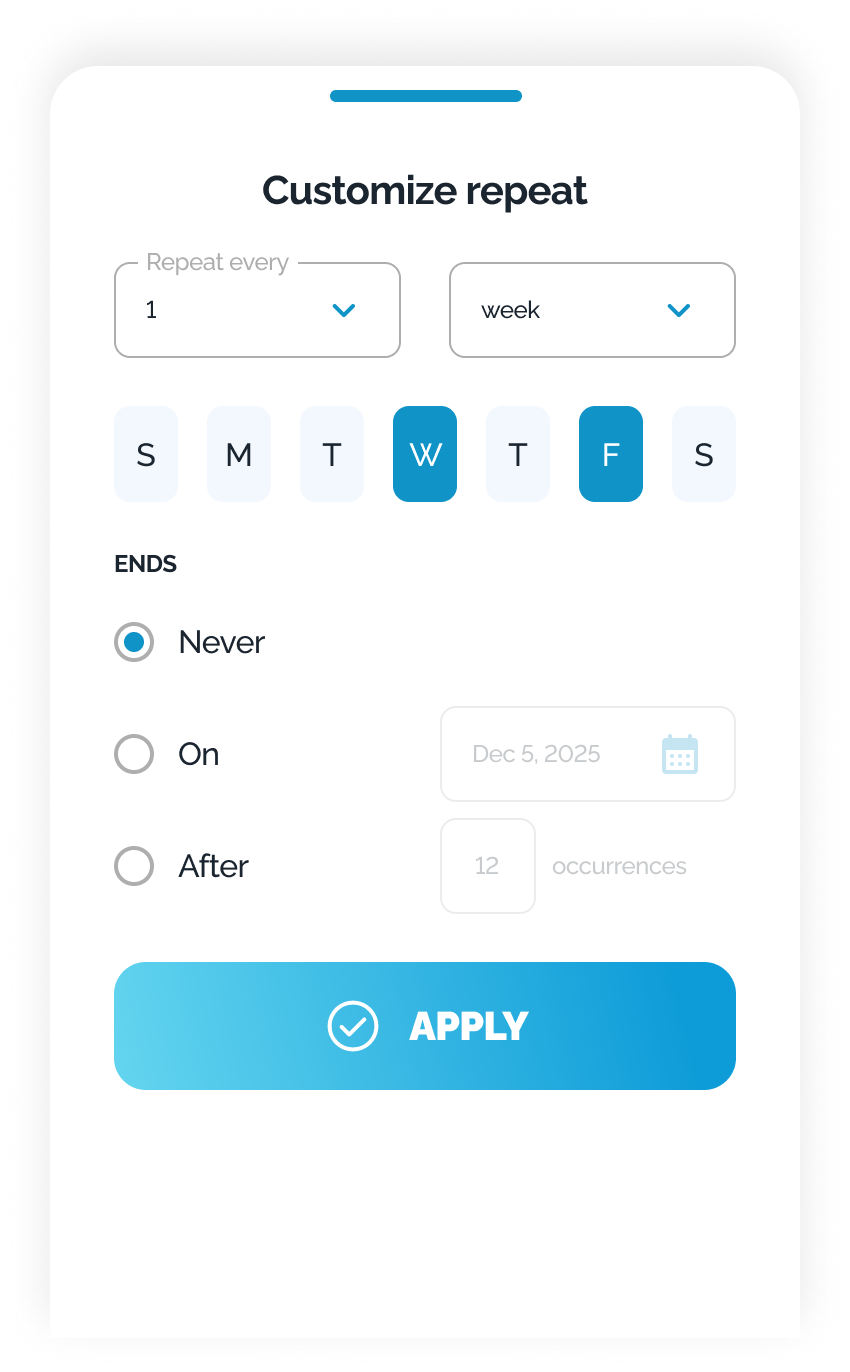
Log what you actually gave the plant, not just what the schedule said.
Under stronger light, cannabis used 80% more water. Your plan should keep up.*
More light can change how fast your plants drink. That’s why a watering calendar should help you — not boss you around.
- Plan it. Add watering tasks and reminders so nothing gets forgotten.
- Check first. Feel the medium, look at the plant, and lift the pot.
- Move it. Still damp? Push the task to another day.
- Learn the rhythm. Track when you watered, how much you used, and what happened next.
And yes, the routine helps you too. Research suggests that making a specific plan can quiet the mental noise from unfinished tasks. Fewer “Did I water today?” loops. A calmer grower, and a better-cared-for plant.
Build My Watering RhythmIn a 2024 study of Cannabis sativa ‘Suver Haze,’ crop evapotranspiration rose 1.8× between the lowest and highest light treatments during a 21-day vegetative nursery cycle. That’s roughly 80% more. Results depend on cultivar and conditions. Sources: Frontiers cannabis water-use study (2024); Masicampo & Baumeister planning study (2011)
Your plants don’t follow the calendar. Your plan shouldn’t either.
In one survey, 60% of commercial growers used past records to know when to start checking their plants.*
HarvestED turns the day into one clean list:
- See what’s due today: watering, feeding, photos, checks, and everything else.
- Check it off when it’s done. Now you’ve got a record without extra work.
- Move it when the plant isn’t ready. The calendar can wait.
- Look back and see what happened, when it happened, and what to do differently next time.
No sticky notes. No “wait, did I already feed this one?” Just a plan that keeps up with the actual plant.
Show Me Today’s Grow ListA survey of 124 commercial ornamental nurseries found that 60% used records from previous years to start insect scouting and 49% used them for disease scouting. The survey was not cannabis-specific. Source: UGA / Pest Management Science nursery survey (2012)
Done, rescheduled, or skipped — the history stays clear.
Nearly half of people missed a person changing right in front of them. No wonder daily growth is hard to see.*
Your brain is weird like that: look at the same plant every day, and slow change can disappear in plain sight. Photos don’t have that problem.
HarvestED turns your pictures into a visual timeline:
- Compare a week, a month, or the entire grow.
- Catch changes in color, shape, and growth earlier.
- See how the plant responded after watering, feeding, or training.
- Keep a visual record of what worked for next time.
Day to day: “looks the same.” Side by side: whoa.
Show Me the Glow-UpIn the 1998 Simons and Levin “door study,” 8 of 15 pedestrians failed to notice that the person they were talking to had been replaced. The study demonstrates change blindness; it was not about plant growth. Source: Simons & Levin change-blindness study (1998)
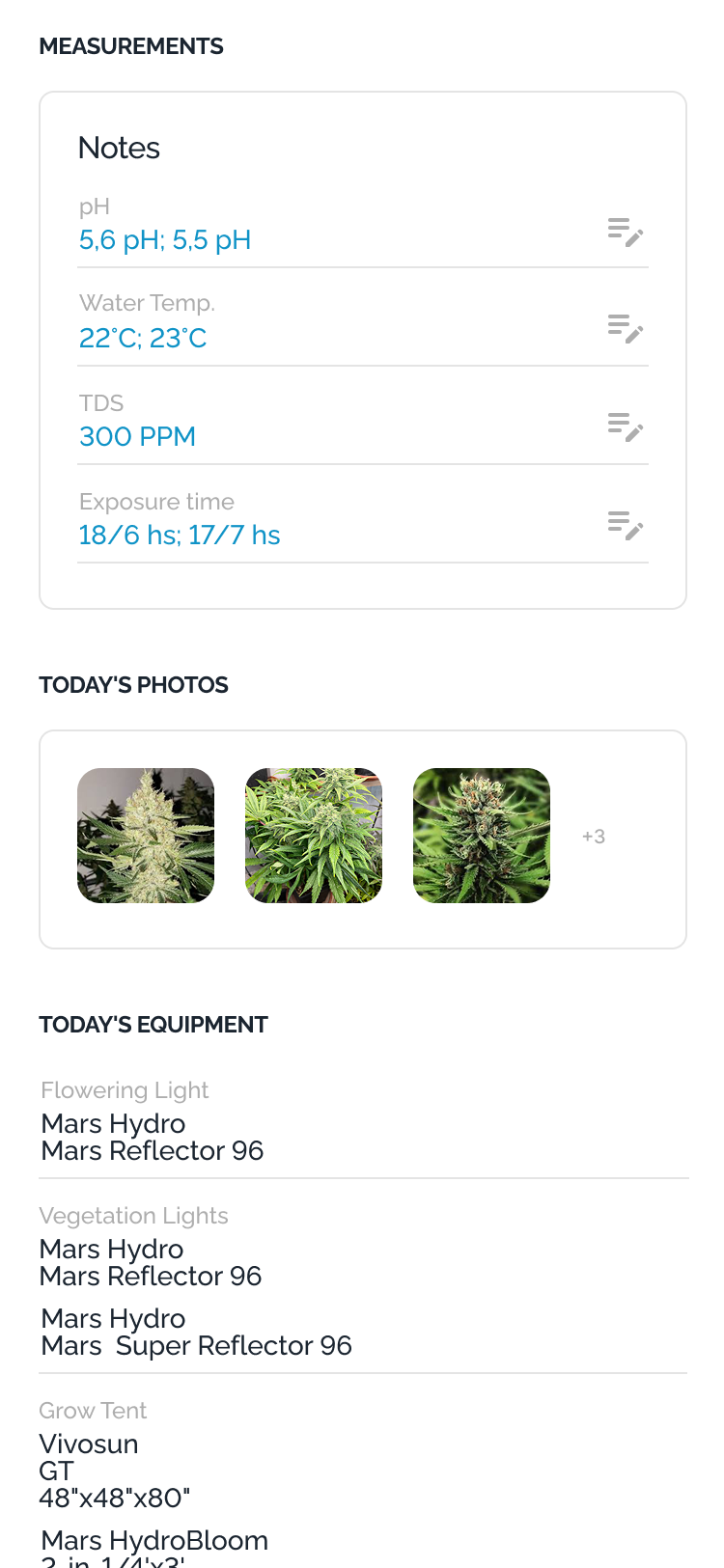
Keep every photo attached to the right plant, date, and grow week.
68% of farmers kept records in their heads. That’s a risky place for your best setup.*
Six months from now, “I think that was the 3-gallon pot” isn’t a strategy.
Save the setup behind every grow:
- lights and tent size
- pots and growing medium
- equipment and other setup details
- the exact grow where everything was used
When a run goes well, you’ll know what to repeat — and what to change next time. Because a great result without the setup behind it is still a guess.
Remember This Setup for MeIn the same 2026 survey of 150 smallholder vegetable farmers, 68% reported keeping record activity mentally. The study focused on farm and financial records, not cannabis setups. Source: Frontiers record-keeping study (2026)
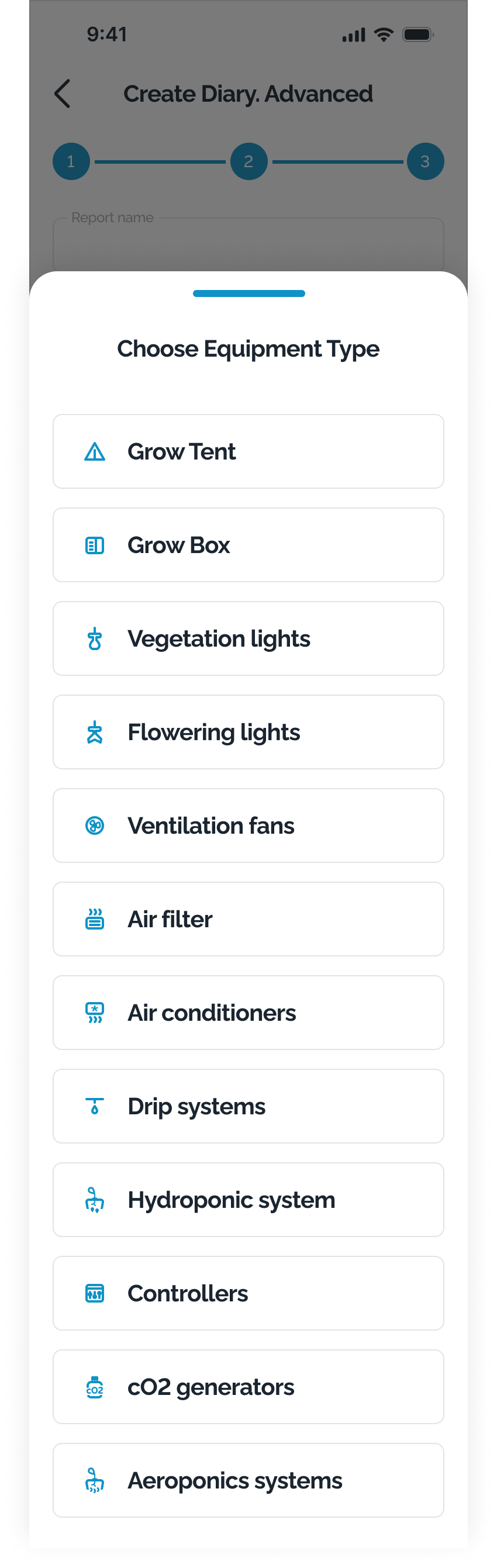
Keep the setup connected to the result.
NASA lost a $125 million spacecraft over a unit mix-up. Your grow deserves better.*
Reading someone else’s grow diary shouldn’t come with homework. One missed liters-to-gallons conversion can turn a useful entry into a very bad pour.
HarvestED handles the math:
- Pick your preferred units once.
- See every measurement your way.
- Open any public grow diary — no calculator needed.
If another grower logs liters and you use gallons, you’ll see gallons. Their original entry stays the same; HarvestED just translates it for you.
No switching apps. No risky mental math. NASA already taught that lesson for all of us.
Skip the MathNASA’s Mars Climate Orbiter was lost after ground software used English units while onboard systems expected metric units. NASA technical material describes it as a $125 million spacecraft. Sources: NASA Mars Climate Orbiter overview; NASA technical paper noting the $125 million cost
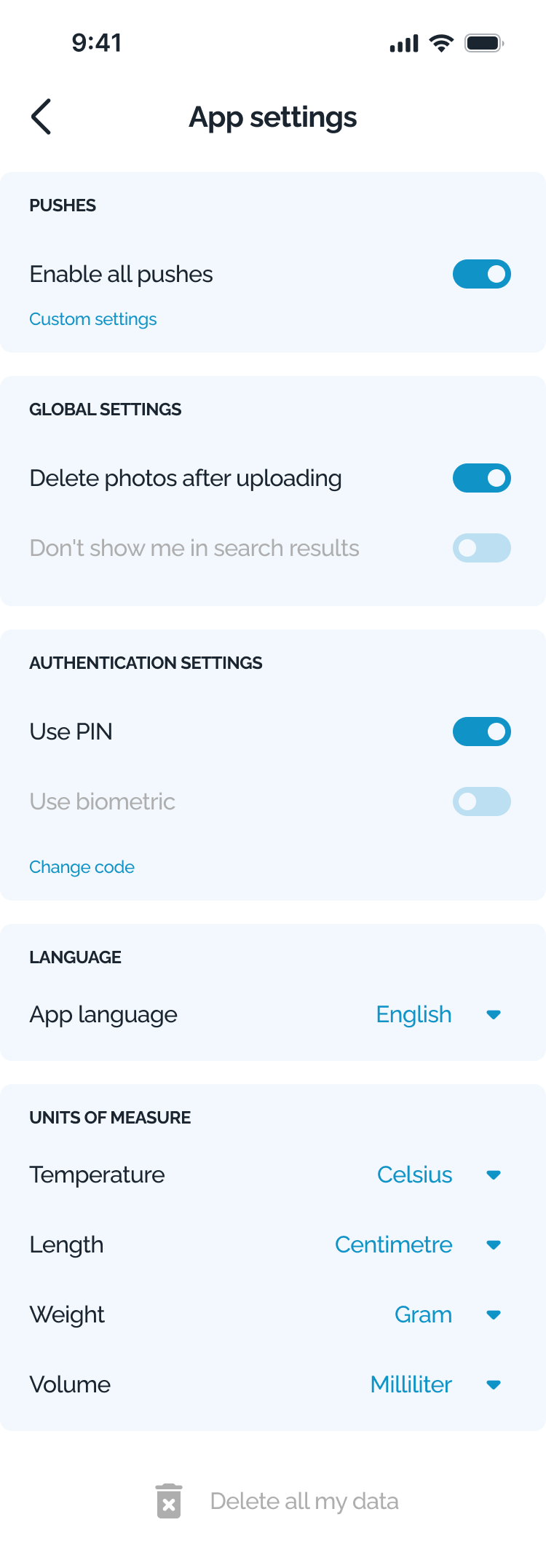
81% of Americans worry about how companies use their data. Your grow is your business.*
You decide how loud — or how quiet — your grow is.
- Choose your notifications. Get useful reminders without the noise.
- Keep your diary private. Hide it from other growers whenever you want to stay anonymous.
- Control your photos. Choose whether they’re deleted after upload.
Your settings. Your privacy. Your call.
Keep My Grow PrivateIn a 2023 Pew Research Center survey, 81% of Americans said they were concerned about how companies use their data, and 73% felt they had little or no control over it. Source: Pew Research Center privacy survey (2023)
30% of cannabis users still feel judged. Your screen doesn’t need to start the conversation.*
Switch HarvestED to a clean white-and-blue look with no obvious cannabis visuals. Same app, way less “So… what’s that?”
- same grow diary
- same tasks and reminders
- same tools and features
- a much more neutral look
Privacy isn’t always about hiding data. Sometimes it’s just choosing what your screen says when someone looks over your shoulder.
Make It Low-KeyA 2025 study of 684 regular cannabis users in Germany found that 30.6% reported external stigma. The study was not about growers or app design. Source: Journal of Cannabis Research stigma study (2025)
Don’t wait for visible damage. AI grow support is coming soon.*
In one survey, 91% of commercial growers used visible damage as a reason to start checking for insects. That’s pretty late to start asking questions.
We’re building the HarvestED AI Growing Assistant to help you ask sooner:
- Ask questions in plain language.
- Add details from your grow for better context.
- Understand what might be happening.
- Get a clear list of things to check next.
No waiting three days for a forum reply. Ask while the details are still fresh.
AI can make mistakes. Suggestions will be for educational purposes, not a guaranteed diagnosis. Always check your plant and growing conditions before acting.
Get HarvestED Before AI LandsA survey of 124 commercial ornamental nurseries found that 91% used visible damage to start insect scouting and 83% did the same for disease scouting. The survey was not cannabis-specific. Source: UGA / Pest Management Science nursery survey (2012)
AI suggestions will be provided for educational purposes and may not always be accurate.
Concept Preview — Coming Soon
Stop guessing. Start your next grow with HarvestED.
Keep your diary, photos, tasks, watering, feeding, and setup in one place. Learn from what worked. And get the complete $69.99 Basic Cannabis Cultivation course free when you install the app.
Early Access v0.9.2 · 100.8 MB · Installation Guide
Quick heads-up: HarvestED is still in Early Access. Some features are being polished, and you may hit the occasional bug.